
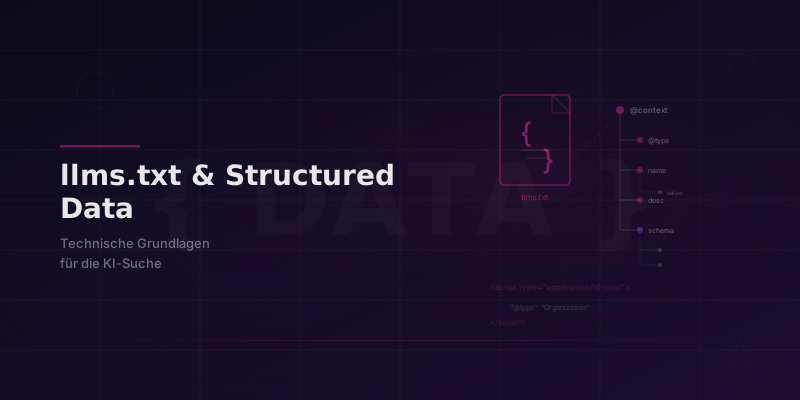
What is llms.txt?
llms.txt is a new, proposed standard that lets website owners give AI search engines targeted information about their site. Much like robots.txt addresses classic search engine crawlers, llms.txt is aimed at large language models and their retrieval systems.
The file sits in the root directory of a website. It contains structured information on which content is most relevant, what expertise the provider has and how the content is best used.
How to create an llms.txt file, step by step
Step 1: Set up the file structure
Create a text file named llms.txt in the root directory of your website. The file uses a simple, readable format with Markdown-like syntax. Start with a title and a short description of your organization.
Step 2: Define your core pages
List the most important pages of your website and briefly describe what information each one contains. Focus on pages with strong subject-matter relevance, because AI systems prioritize content that shows clear expertise.
Step 3: State your expertise and context
Name the areas in which your company has particular expertise. This context helps AI systems classify your content as an authoritative source on specific topics.
Structured data for AI search
Alongside llms.txt, structured data (schema markup) is a decisive factor for AI visibility. AI search engines use Schema.org markup to understand the content of a page semantically.
These schema types matter most for AI systems:
- Article / BlogPosting: helps AI systems recognize the author, publication date and topic of an article
- FAQPage: question-and-answer pairs are used especially often by AI systems as a source for answers
- Organization / Person: strengthens E-E-A-T signals and helps attribute content to a trustworthy source
- HowTo: AI systems like to take over step-by-step instructions as a structured answer
- DefinedTerm: definitions and glossary entries are ideal sources for AI-generated answers
Quick check: is your website AI-ready?
Use this checklist to see whether your website meets the technical basics for AI visibility:
- Is there an llms.txt file in the root directory?
- Do all important pages use Schema.org JSON-LD markup?
- Is your sitemap up to date and complete?
- Does your robots.txt accidentally block AI crawlers?
- Are author profiles marked up with Person schema?
- Do your FAQ sections have FAQPage schema?
If you answer “no” to more than two points, there is clear room for improvement. Our schema markup guide walks you through the implementation.
Technical AI optimization is an ongoing process, not a one-off project. The sooner you put the basics in place, the better positioned you are for the AI search of the future.
Need help with technical AI optimization? Our technical SEO team analyzes your website and implements everything that is needed. As an SEO & GEO agency, we make sure your website is set up well for Google and for AI search engines.
Also see which content formats AI systems process best and how to optimize multimodal content for AI search.